How to Type an Interview Transcript: Step-by-Step Guide
Learn how to type an interview transcript with the right style, speaker labels, timestamps, and a proofreading pass that catches errors before you share it.
The recording is 52 minutes long, the audio is clean, and the write-up is due Thursday. You open a blank document, press play, and start typing. By minute three you've already met the two problems that decide whether this transcript is worth anything: the participant says something you need to hear twice, and the interviewer talks over the end of it.
Typing speed isn't the bottleneck. The bottleneck is the run of small editorial calls you make while your hands are moving. What happens to a filler word. How you mark a phrase you can't quite hear. Whether "gonna" stays as spoken or becomes "going to". Make those calls in advance and the work goes faster, the document holds up under scrutiny, and nobody can accuse you of putting words in a participant's mouth.
Choose the Transcript Style Before You Type
Two people transcribe the same hour-long interview. The first keeps every "um", every false start, every half-finished clause. The second tidies them away. Give both transcripts to a reader and the participant sounds hesitant in one and fluent in the other, even though the audio never changed.
That difference isn't a typing detail. It's an editorial decision, and it gets made whether or not you notice making it. The moment you delete a filler word you've chosen a style, so choose it deliberately, before the first keystroke, and write the choice at the top of the file.
| Style | Keep | Remove | Best for |
|---|---|---|---|
| Strict verbatim | Fillers, false starts, repeated words, laughter, pauses, overlap | Nothing | Oral history, discourse analysis, legal records |
| Intelligent verbatim | Every content word and meaningful hesitation | Fillers such as um and uh, false starts, stutters | Thematic research, HR interviews, journalism quotes |
| Edited transcript | The speaker's intended meaning and wording | Fillers, grammar slips, repetitions, tangents | Internal notes, summaries, meeting minutes |
The University of Lethbridge's oral-history guidance is unusually direct about where the boundary sits. Record dialogue word for word, correct punctuation and grammar only where appropriate, and never change a speaker's words to make them grammatically correct.
The test that settles most arguments: if you'd defend the sentence inside quotation marks in a published report, keep the speaker's words. If you're only smoothing them for readability, you're editing, and the document should say so.
Hesitation is evidence in an oral history and noise in a recruiting summary. A pause before an answer about working conditions may be the most interesting thing on the tape. The same pause in a hiring debrief wastes the reader's time. Same audio, different purpose, different transcript.
So write the chosen style at the top of the document, in one line, and note it in your method notes. Anyone reading your quotes later can then judge what they're looking at.
How Long Typing an Interview Really Takes
An hour of audio is not an hour of typing. A typical speaker produces around 150 words per minute. A trained transcriber works at roughly 60, and spends much of the rest of the clock pausing, rewinding, working out who spoke, and repairing errors, according to this published transcription typing benchmark.
The same benchmark does the arithmetic for you. A one-hour recording containing about 9,000 spoken words can take roughly 5.3 hours of work at 60 words per minute and 98% accuracy. Let accuracy slip to 95% and the estimate climbs to approximately 6.0 hours, because every correction costs a rewind and a second listen.
Planning rule: budget five to six hours of work for every recorded hour of clear one-on-one audio, then add time for crosstalk, accents, technical vocabulary, or a room with a hard floor and a noisy air conditioner.
A 50-minute interview, at the tighter end of that range, is still a full working day once the review pass and formatting are folded in. Two interviews booked in one afternoon will fill the rest of your week. That's not a reason to cut corners; it's a reason to schedule realistically.
The trade-off is real and it's worth stating plainly. A slower, verified transcript with correct names and figures is more useful than a fast one carrying uncorrected errors, especially in business interviews, research, journalism, legal work, and recruiting, where a single wrong number can undo the document's credibility.
Speaker Labels, Timestamps and Notation Rules
A reviewer picks up your transcript, finds a quotation they want to use, and needs to confirm it against the audio. If the passage carries a timestamp, that takes ten seconds. If it doesn't, they scroll a 50-minute file guessing, and eventually they quote you without checking at all.
Decide the notation before the first turn and then leave it alone. A label that starts as SPEAKER 2 and turns into Dr. Ahmed at minute 20 breaks search, breaks the reader's trust, and makes a careful transcript look careless.
| Element | Format | Use when |
|---|---|---|
| Speaker label | INTERVIEWER: or PARTICIPANT: | Every change of speaker, kept identical throughout |
| Timestamp | [00:14:32] | At each speaker change and at least every 30 to 60 seconds |
| Inaudible passage | [inaudible 00:14:32] | Any word you cannot hear with confidence |
| Uncertain word | [Smith?] | Names, figures, and spellings you have not confirmed |
| Overlap | [crosstalk 00:12:10 to 00:12:18] | Two people speaking at the same time |
| Pause | (pause 2s) | Meaningful pauses, strict verbatim only |
| Laughter or gesture | [laughs] | Strict verbatim, or where the reaction changes the meaning |
Timestamps do two jobs. They let a reviewer land within a few seconds of the passage, and they let you cite a turn number in a report. If a stretch of audio runs longer than a minute without a marker, the marker is missing.
Overlap is where beginners start inventing dialogue. When two people talk at once, transcribe the speaker you can hear, and mark the collision with its start and end time. Splitting half-words between two labels produces a sentence nobody said.
Uncertainty has its own vocabulary, and it isn't failure. [inaudible 00:14:32] means the audio defeated you. [Smith?] means you heard something but haven't confirmed it. Both are honest, and both are fixable in review. An invented spelling is neither.
Pauses, laughter and gestures belong to strict verbatim. Keep them when the reaction carries meaning and drop them when it doesn't. Then scan the label column once before the review pass, top to bottom, to confirm every turn uses the same names.
How to Type an Interview Transcript Step by Step
Work the steps in this order and each one makes the next cheaper: consent and a protected master file first, the style and label decisions next, then the typing itself in chronological speaker turns. Skip ahead, and you end up editing the only copy of your audio.
If you would rather generate a draft than type one, Lesskeys records calls and writes a transcript showing who said what, with everything kept on your own computer. The guide to using voice to text for spoken drafts and dictation is that route; the steps below are the manual one.
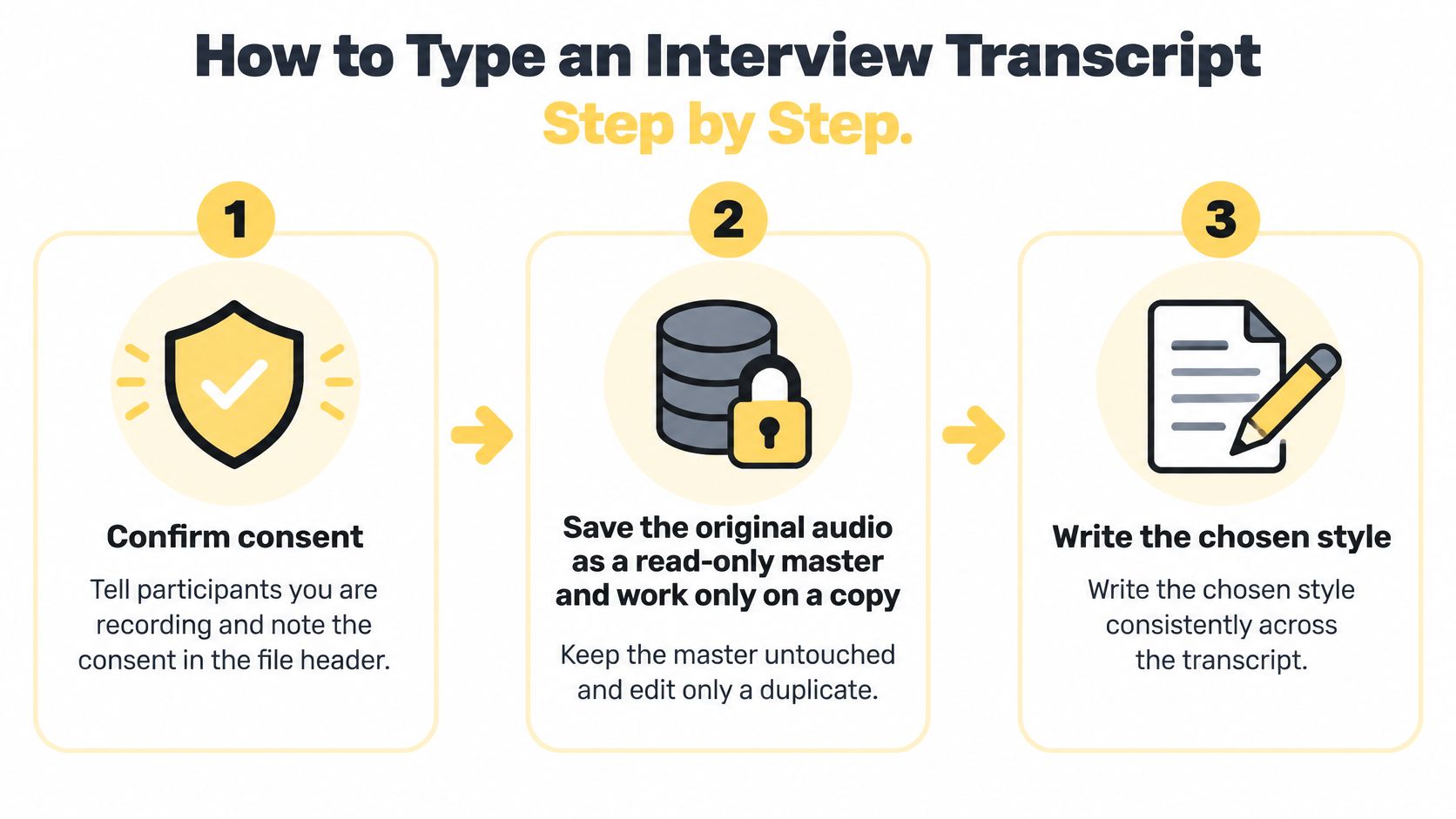
- Confirm consent and write it down. Tell people you are recording, as you would with any recorder, and put the date, the person who agreed, and the form the agreement took in the file header. In places that require every party's agreement, one person's yes is not enough. Memories differ later; headers don't.
- Protect the master. Copy the audio into a read-only folder and rename it with the date and participant code. Work from a duplicate so a mis-click can never damage the only recording you have.
- State the style on line one. One sentence, for example: "Intelligent verbatim. Fillers removed, meaning and hesitation preserved." This line is an editorial decision, and everything below it answers to it. A style chosen at the start is a standard; a style improvised mid-transcript is a bias.
- Lock the label scheme. INTERVIEWER and PARTICIPANT for anonymised work, real names when they'll be published. Set it once and repeat it exactly, including capitalisation and the colon.
- Set playback before you type. Bind pause and a five-second rewind to single keys, and slow the audio for dense passages. Fumbling for a trackpad costs more time than the extra listen.
- Type in short segments. Twenty to 40 seconds of audio at a stretch, then stop. Start a new paragraph at every speaker turn, which keeps the structure readable and makes attribution easier to audit.
- Stamp time as you go. A marker at every speaker change, and never let a long stretch of audio pass unmarked. Adding timestamps afterwards means listening to the whole file a second time.
- Mark, don't guess. Write [inaudible 00:14:32] where the audio defeats you, and spell every name, acronym and technical term the same way in every instance.
- Close the draft cleanly. Save it as version one and stop. Polishing your own first draft is the weakest possible use of your ears.
That last point matters more than it looks. One reported multispeaker benchmark found that adding speaker diarization pushed word error up by roughly 15 percentage points, with baseline diarization error above 60% in difficult conversational audio, according to speech-data annotation guidance from Chegg India. A draft can name speakers and still be wrong about who spoke. Fluency is the cheapest thing a transcript can have, so treat any clean-looking output the way you would a hurried manual one: a starting point that still owes you a review pass.
Handling Accents, Overlap and Noisy Audio
A transcript can look polished and still misrepresent one speaker more than another. The word error rate that gets quoted for a system is an average, and averages hide the participants who paid for it. Research reviewed in a 2025 study of non-native English speech puts performance degradation on accented speech at more than 10% compared with native-accent speech, and reports higher error rates for accented speakers, plus automatic systems that drop the disfluencies analysts rely on.
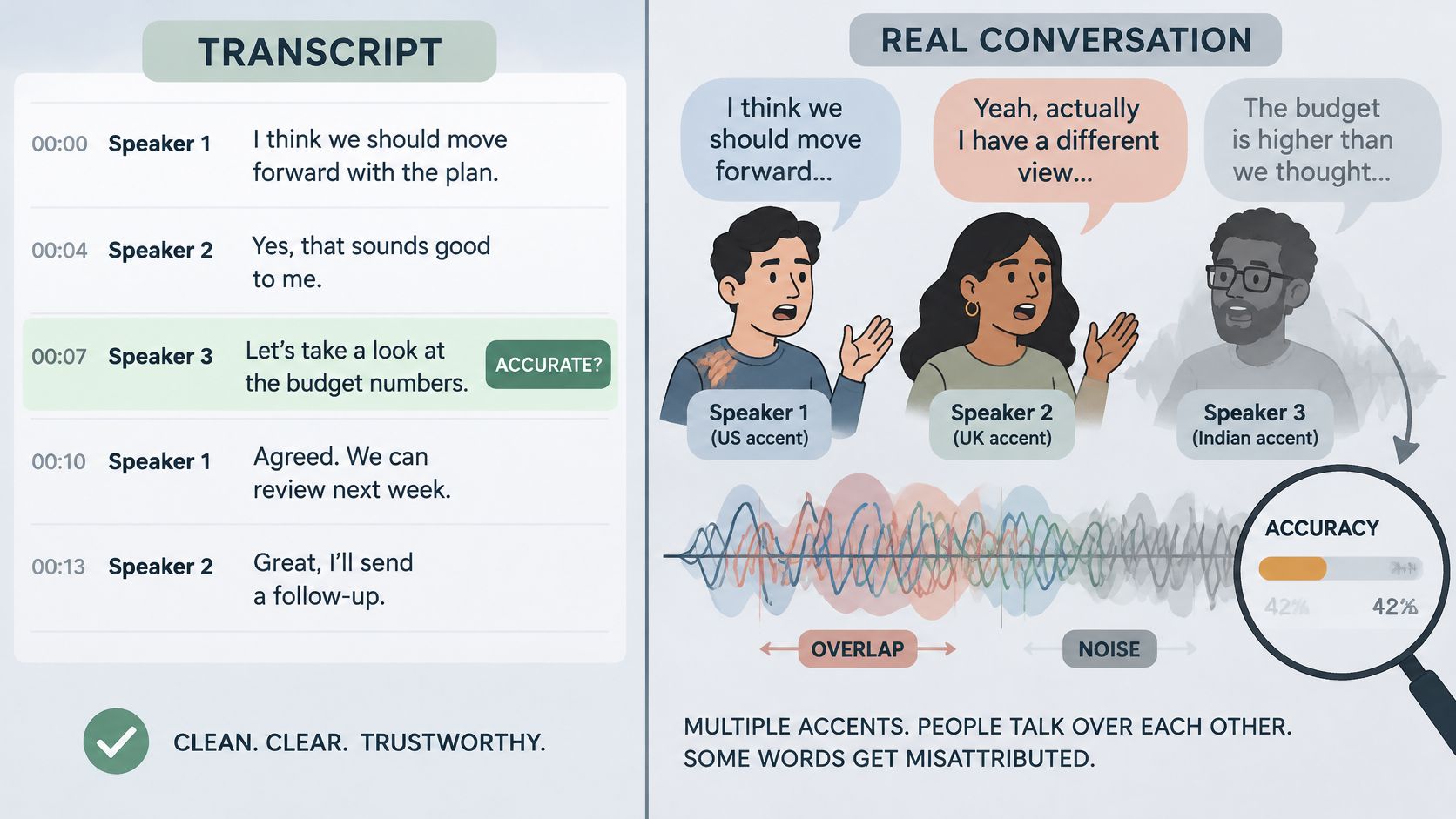
That's the trap. The output is fluent, so it reads as finished, and the speakers whose audio was hardest to decode are the ones whose words got normalised. Overlapping speakers, varied ages and genders, background noise and a cheap headset microphone all push the same direction.
The working method is unglamorous and it catches most of it.
- Slow down before you guess. Drop to 0.75x for hard passages and replay each unclear phrase at least twice before deciding it's unrecoverable.
- Build the glossary first. Names, places, product terms and preferred pronunciations, written down before you reach them. A glossary turns a dozen separate guesswork moments into one decision.
- Preserve code-switching. Keep the words the speaker used and add a translation note only where the analysis needs one. Translating mid-transcript rewrites the participant.
- Mark, never tidy. If a phrase stays unclear, mark it. Smoothing it into something grammatical is how a hesitation about consent turns into a confident sentence.
- Ask when it matters. For a key finding or a legal exposure, go back to the interviewer or participant with the timestamp. One clarifying message beats an invention.
- Audit by speaker. Count corrections per participant, not just across the file, so a systematic problem with one voice shows up instead of dissolving into a single flattering percentage.
Then disclose. If an automated draft was the starting point, say so in the method notes, alongside the review steps you ran. Readers can judge a transcript that admits its origins. They can't judge one that hides them.
Proofread Against the Audio and Release the Transcript
The draft is finished and it looks finished. Those are different things. Reading your own work from memory is how a wrong job title survives three passes, which is why the review is a listening task, not a reading task.
There's a good reason to keep a human in this loop. In a 2011 research note, Brian Edward Johnson compared listen-and-type transcription with voice-recognition-assisted transcription using the same interview recording. The traditional method took 14.2% less time and produced the more accurate transcript, as published in Johnson's comparison of transcription methods in Qualitative Research. Speech recognition reduced the physical strain; it didn't remove the checking.
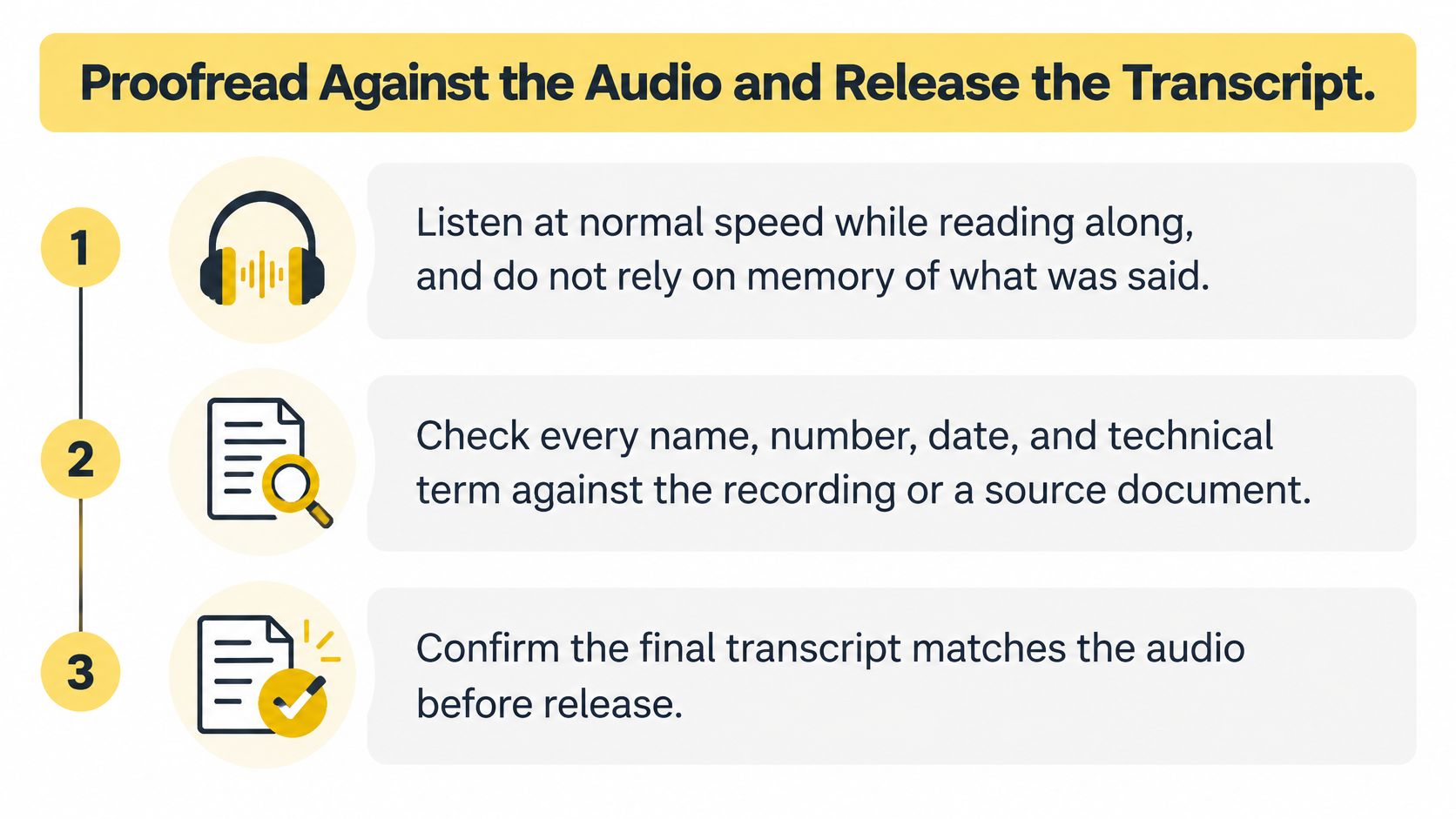
Run these checks in order, with the audio playing.
- Read along at normal speed. Follow the text while listening, line by line. Your ear catches the dropped word your eye sailed past.
- Verify every name, number, date and technical term against the recording or a source document. Company names, dosages, financial figures and job titles get their own pass.
- Confirm attribution at each speaker change. A misattributed answer changes its meaning, and the error is invisible unless you check who was talking.
- Search for missing negatives. Use find for "not", "never", "no" and "don't", then listen to each hit. Both automated tools and tired typists drop them, and the sentence still reads.
- Hunt homophones. Their and there, two and to, principal and principle, plus every surname that sounds like a common word.
- Listen to the gaps. Where the draft has no text, there is either silence or something you missed. Background noise that hides a sentence is worth a marker.
- Log the corrections. Timestamp, original wording, correction, reason, reviewer. A log turns silent normalisation into an audit trail a supervisor can follow.
The release check
- Header in order. Style stated, consent recorded, participant code present, date and interviewer named.
- Ten spot checks. Pick ten random quotes and verify each against its timestamp. If two fail, redo the pass rather than fixing two lines.
- Names against a source. Check spellings against an email signature, a website, or a published paper rather than against your own draft.
- Sensitive passages back to the source. Send quotations about health, money, conduct or anything legally loaded to the interviewee for a factual check. Ask them to confirm facts, not to improve their phrasing.
One honest limit. We don't warrant that transcription will be error-free or suitable for legal, medical or financial use, and no tool should. If the transcript will sit in a compliance file or a court bundle, treat every automated output as a draft awaiting a qualified human review.
Then archive. Keep the master audio untouched, save the verified transcript as a separate file, and store the quality log beside it. Six months from now, when someone questions a quotation, those three files are the whole argument.
Lesskeys records and transcribes interviews on your own Mac or PC, with the recording and the transcript kept on your computer rather than uploaded anywhere. If you're about to work through a folder of interview audio, try Lesskeys to produce the speaker-labelled first draft, then run the review pass above before you quote anyone.